本地识别 · 一点打码 · 图片不上传
分享截图之前,
隐私先藏好
自动找出手机号、身份证、银行卡、二维码、人像和聊天头像。轻轻一点文字就隐身,背景自然保留。全程在 iPhone 本机完成。
- 无需账号
- 无分析 SDK
- 图片不上传
五个场景
打码、识别、水印、标注,一个 App 搞定
-
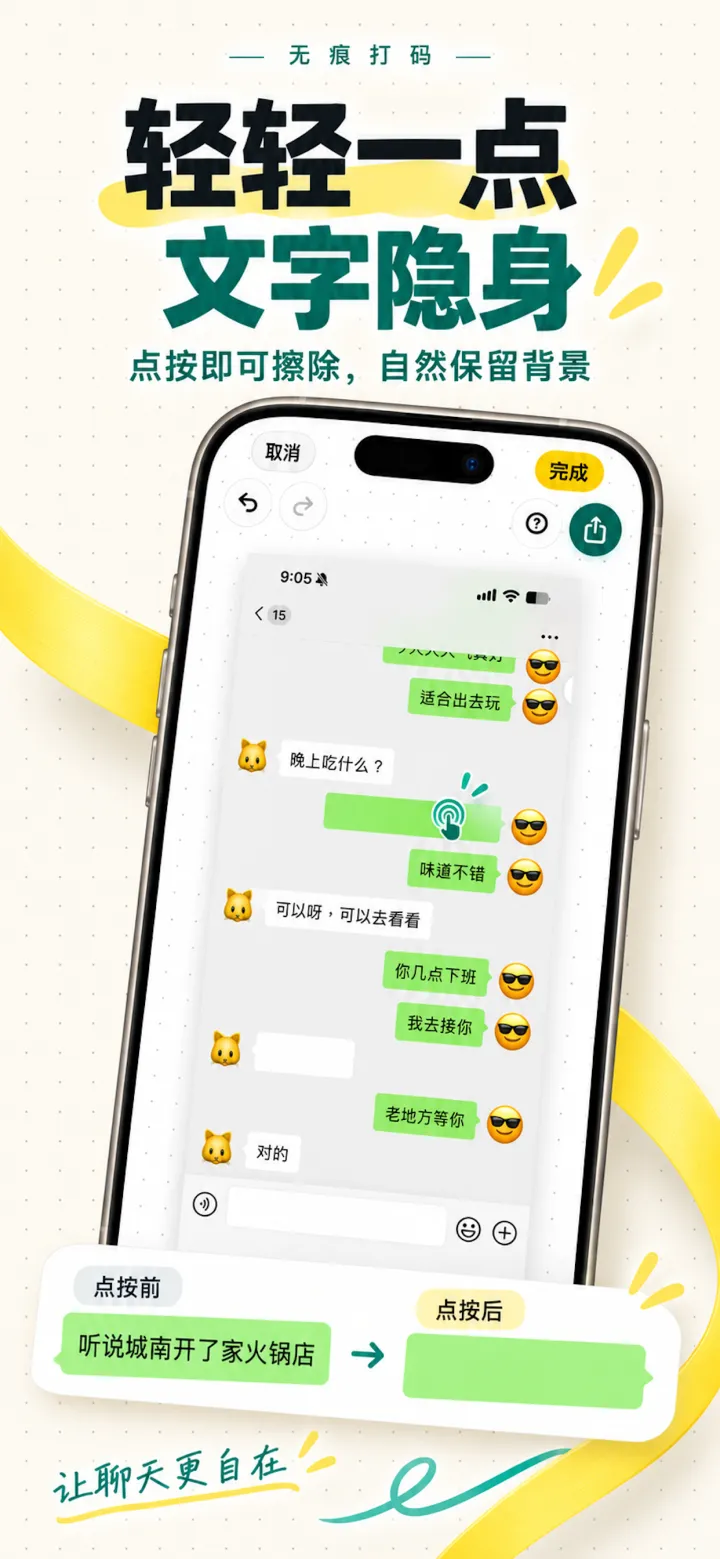
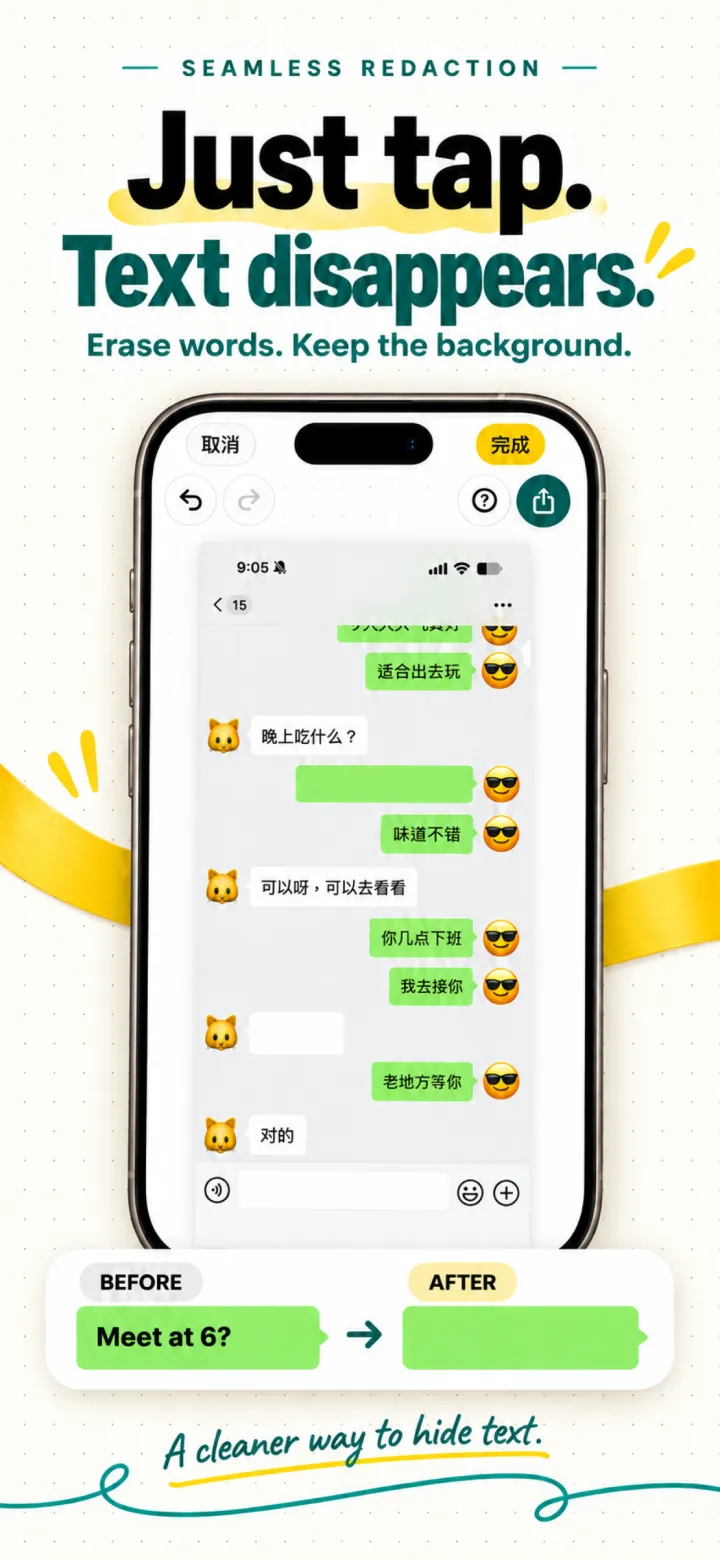
轻轻一点,文字隐身
点按即可擦除文字,自然保留背景。
-

不只聊天,隐私都照顾
手机号、身份证、银行卡、二维码、人像,本地模型自动识别。
-
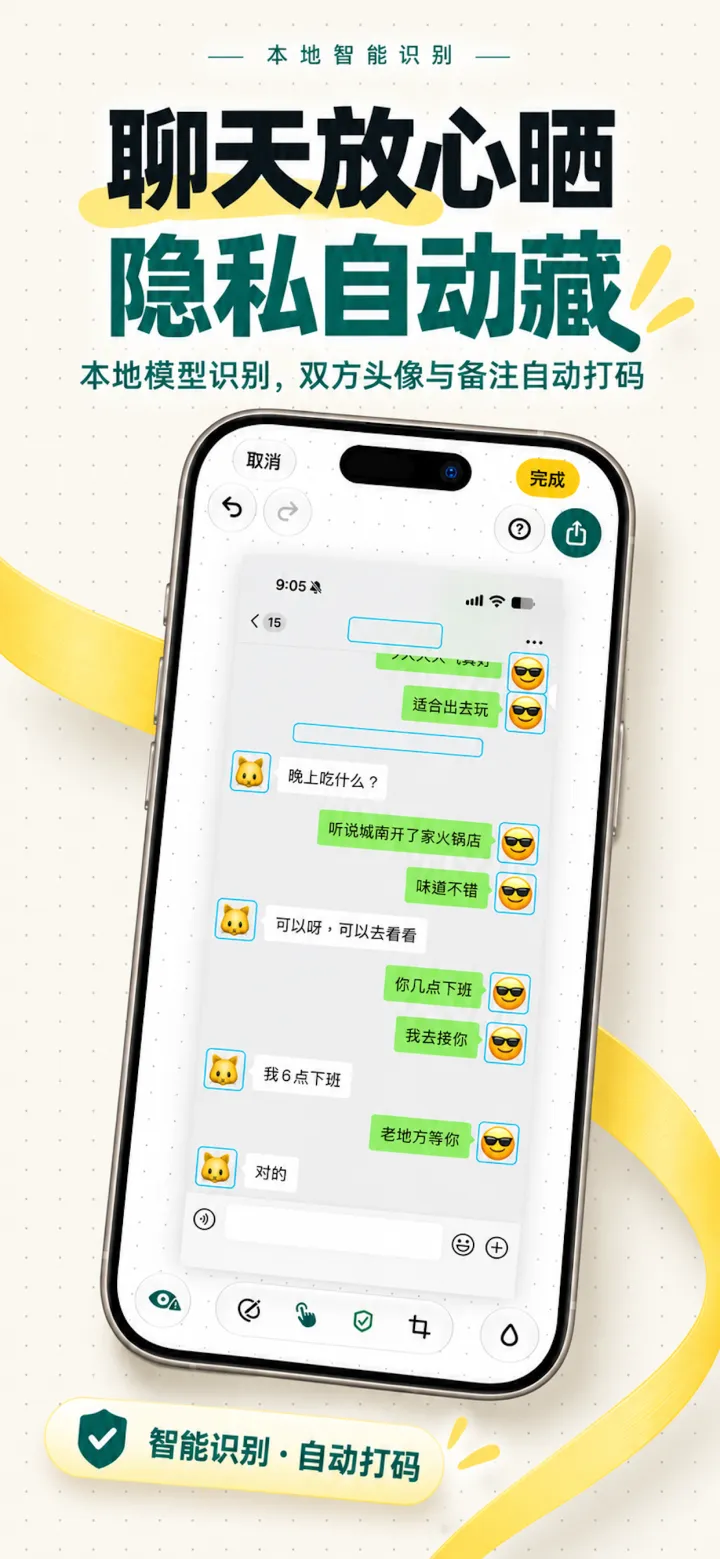
聊天放心晒,隐私自动藏
双方头像与备注名自动打码。
-
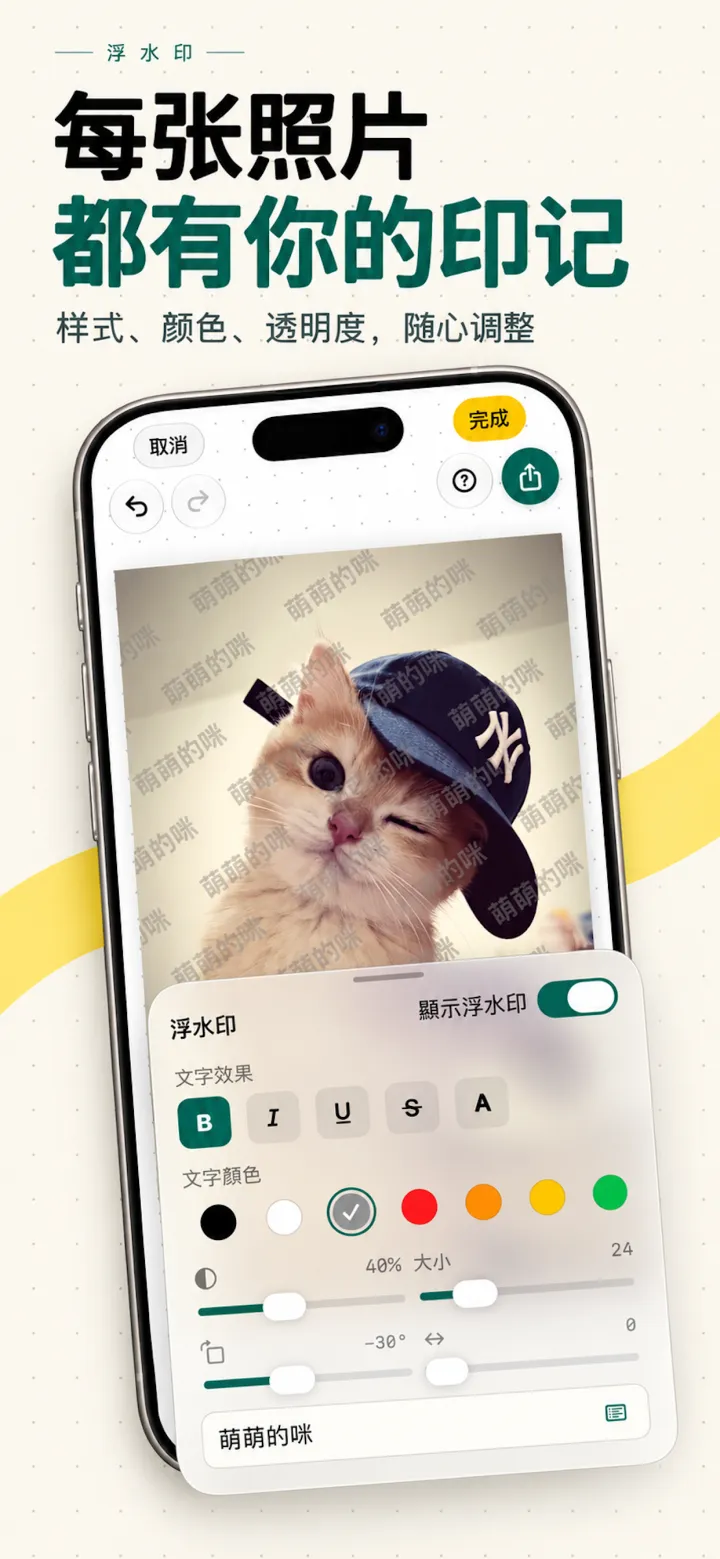
每张照片都有你的印记
浮水印的样式、颜色、透明度随心调整。
-
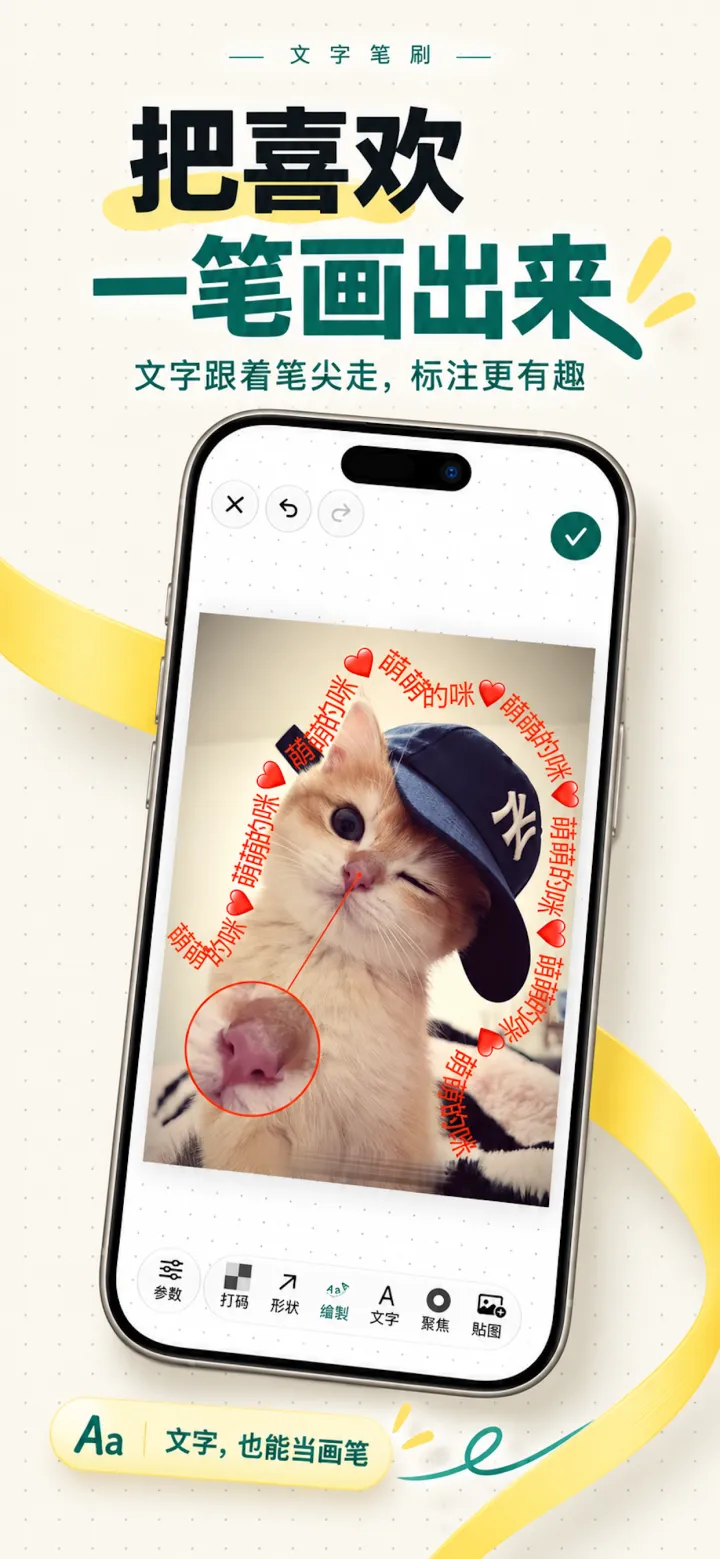
把喜欢一笔画出来
文字跟着笔尖走,标注也能很有趣。
隐私是架构,不是口号
图片没有上传入口,也没有行为分析
maskable 没有账号系统,不接入分析、广告或远程配置 SDK。应用只在两种情况下联网:Apple 的 App 内购买,以及崩溃诊断 —— 启动时发送一条会话记录,崩溃后发送崩溃报告,都不含图片与个人内容(可在设置中关闭)。
查看隐私政策 →
下一张截图,发之前先过一遍
适用于 iPhone 与 iPad,iOS 16 及以上。
On-device · One-tap redaction · Nothing uploaded
Share the screenshot. Keep the private parts.
Finds phone numbers, ID numbers, bank cards, QR codes, faces, and chat avatars. Tap a line of text and it’s gone, background intact. Everything happens on your iPhone.
- No account
- No analytics SDK
- Images never uploaded
Five ways to use it
Redact, detect, watermark, and annotate in one app
-
Just tap. Text disappears.
Erase words and keep the background.
-
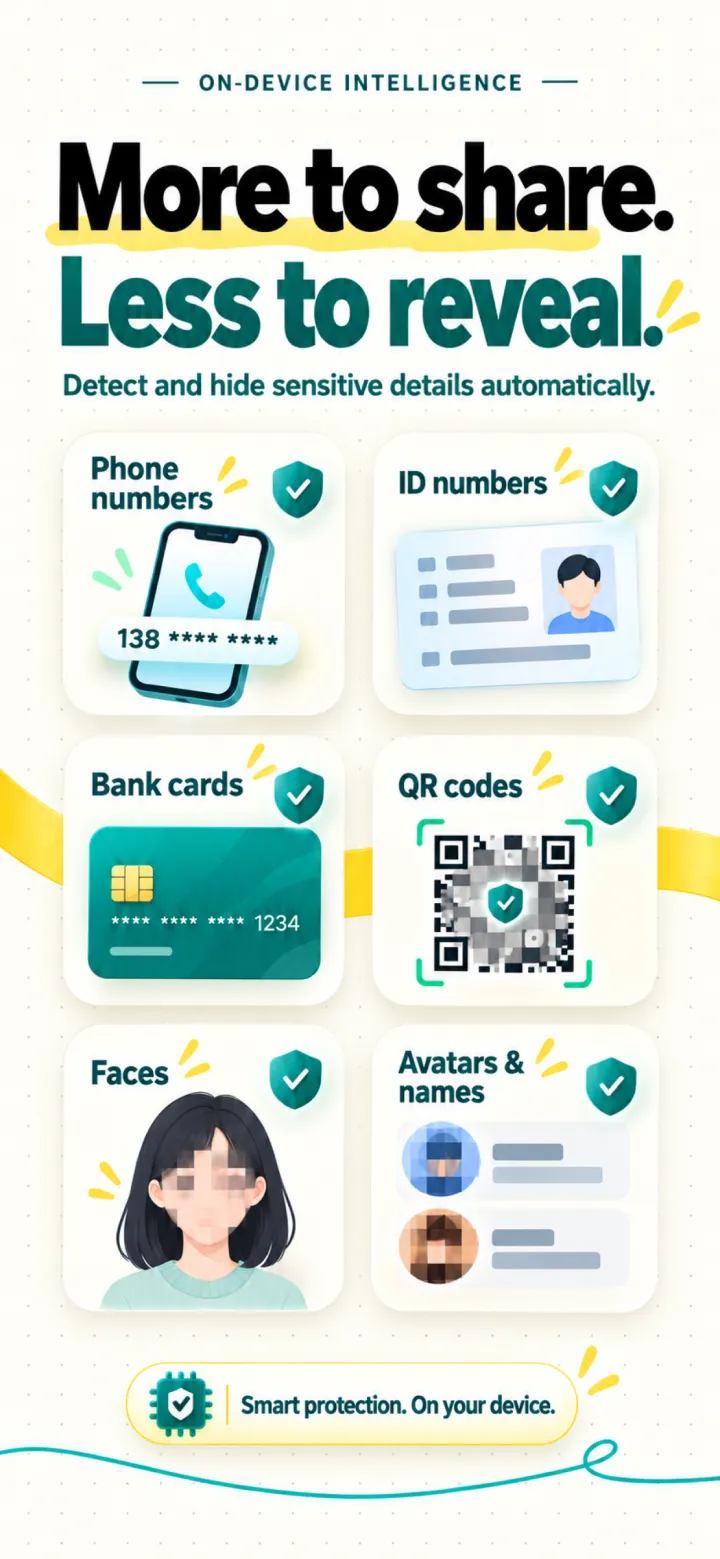
More than chats
Phone numbers, IDs, bank cards, QR codes, and faces, detected on device.
-
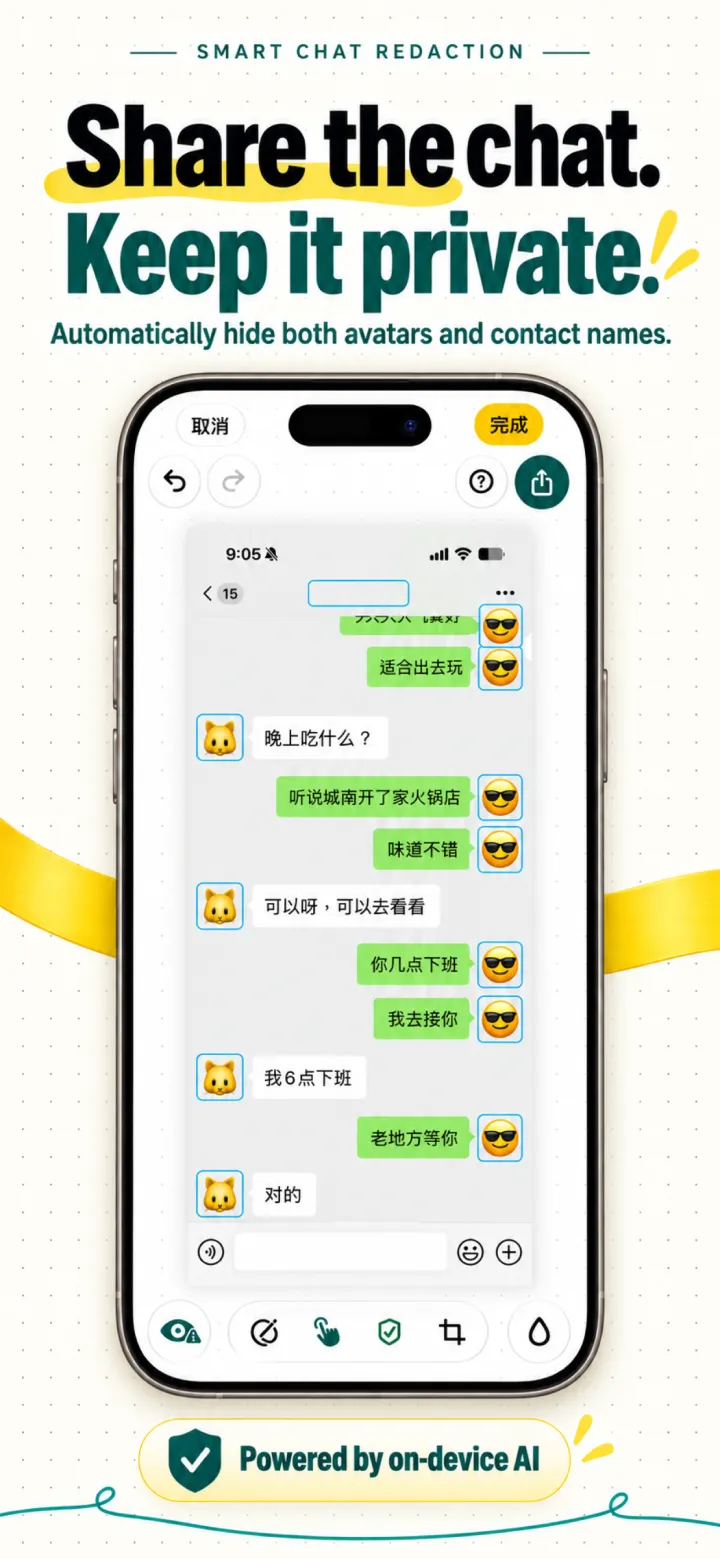
Share chats with confidence
Avatars and contact names on both sides are redacted for you.
-
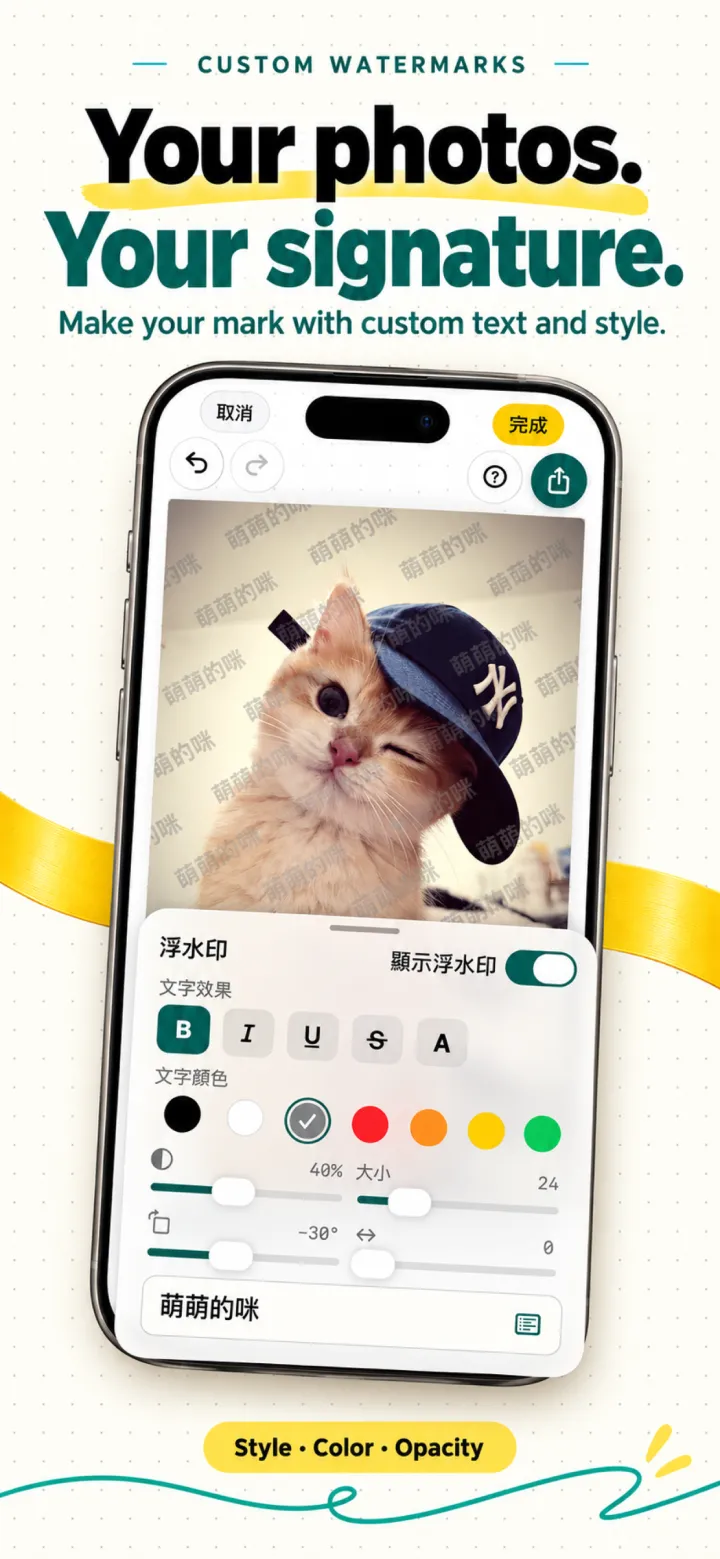
Make every photo yours
Watermark style, color, and opacity, all adjustable.
-
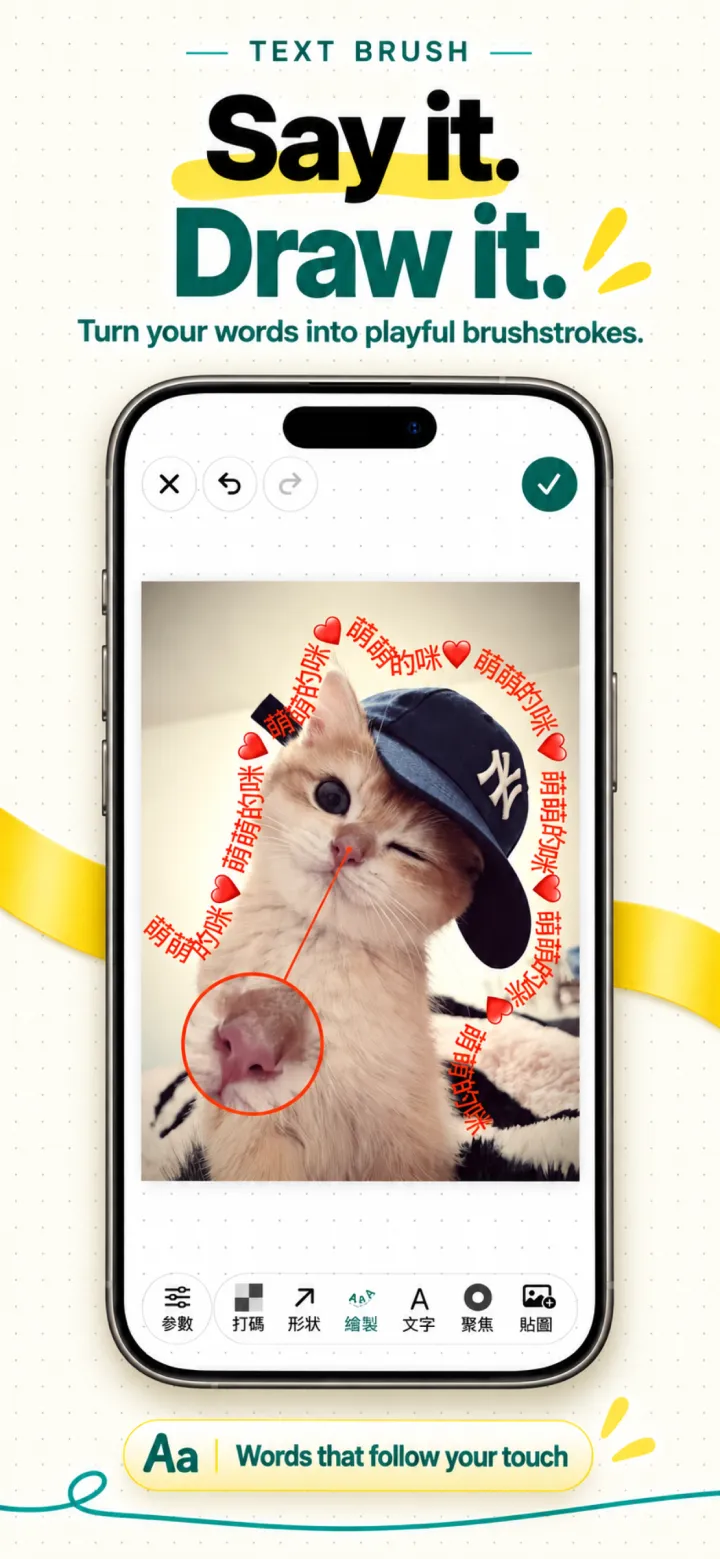
Draw with words
Text follows your fingertip for playful markup.
Privacy by architecture
No upload path, no usage analytics
maskable has no account system and no analytics, advertising, or remote config SDK. The app goes online in only two cases: Apple’s in-app purchases, and crash diagnostics — a session record at launch and a crash report after a crash, neither containing images or personal content (you can turn them off in Settings).
Read the Privacy Policy →
Check your next screenshot before you send it
For iPhone and iPad, iOS 16 or later.